✨ New Arrivals Just Dropped!Explore
$11.26
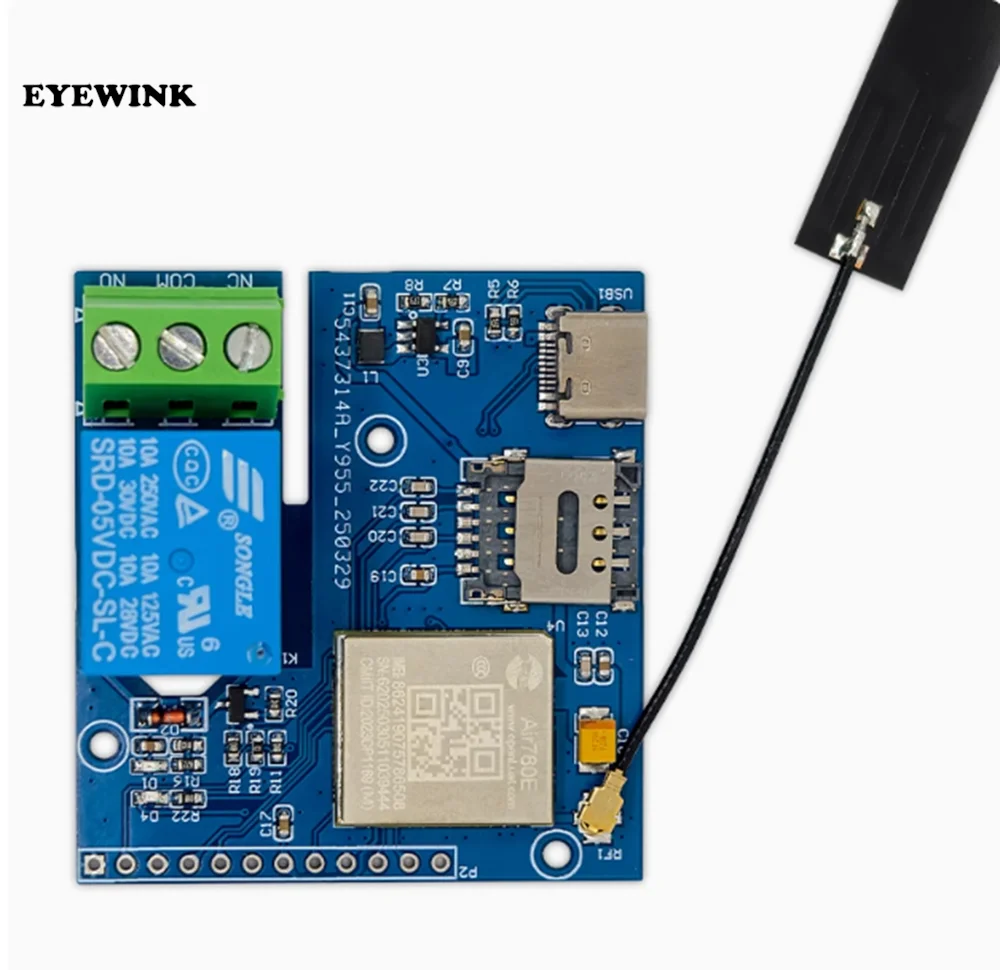
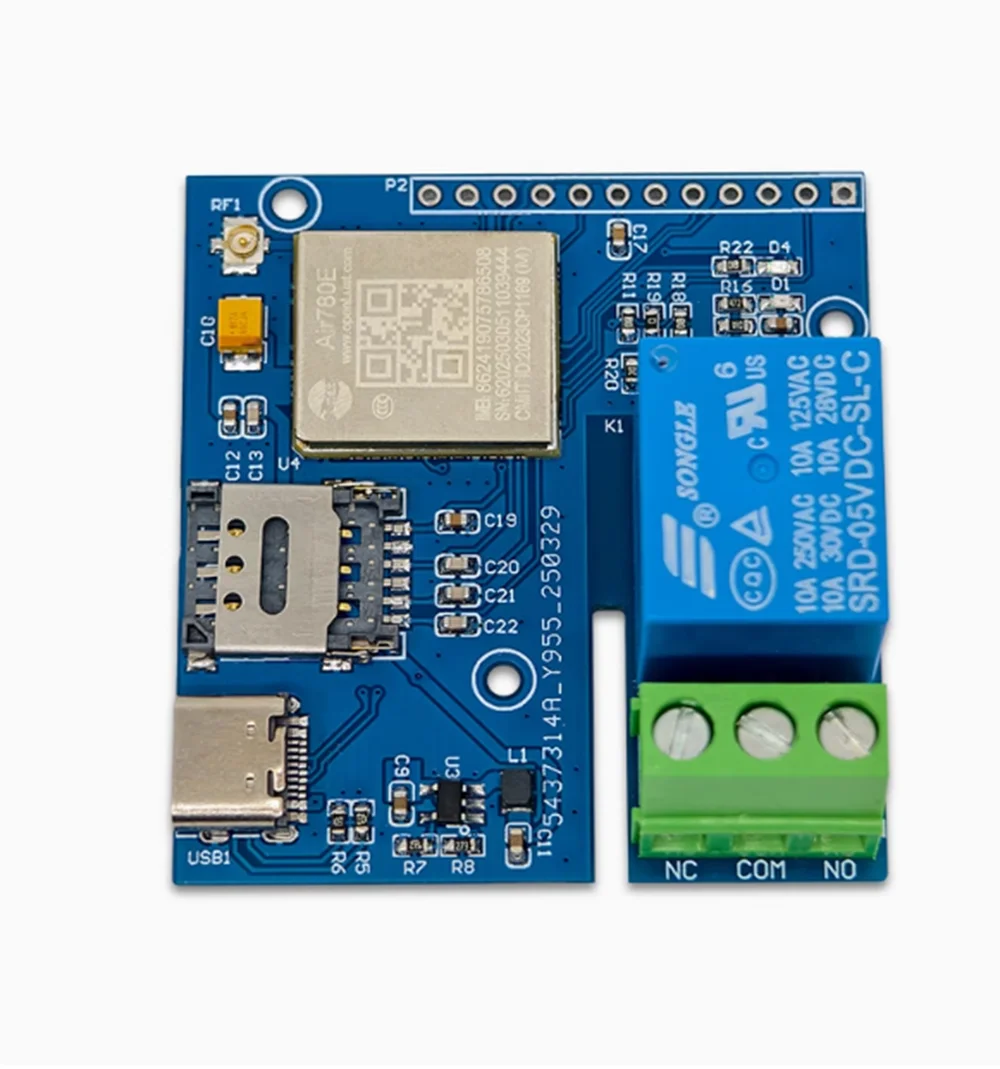
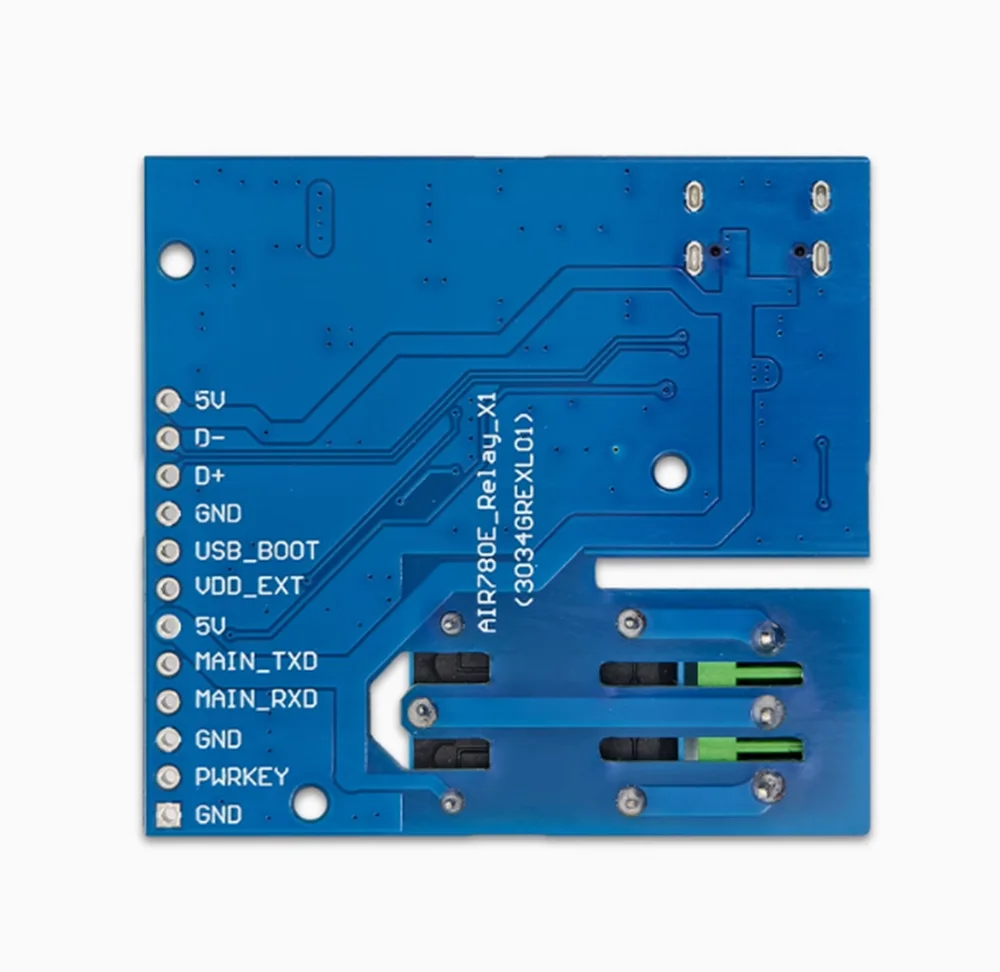
IoT 4G network single relay AIR780E module—
$11.26
The Story
Preparation work: Prepare a Type-C USB cable (USB cable is a data transmission cable, not a charging cable, the difference lies in whether there is DM and DP in the cable. A convenient verification method is to insert the C-port into the phone and check if the computer pops up a large capacity storage device. If it pops up, it proves that the cable is a data cable, otherwise the cable can only charge, that is, only VCC and GND) and a Windows system computer (recommended Windows 10 or above)
LuaTools installation:
1. Download the latest version of Luatools and extract it to create a running program named Luatools v3.exe;
2. Create a new LuaTools folder and copy or move Luatools_v3.exe to the LuaTools folder;
3. Double click Luatatools_v3.exe to start the installation. If the following situation occurs, click on the More Information option, and then select the option to still run to complete the installation;
4. After running Luatools, you will be prompted to start the upgrade. Click on 'Start' to proceed with the upgrade, and once the upgrade is complete, you can use it normally.


Details & Craftsmanship
Every detail has been carefully considered to bring you the perfect product.
Details & Craftsmanship
Every detail has been carefully considered to bring you the perfect product.
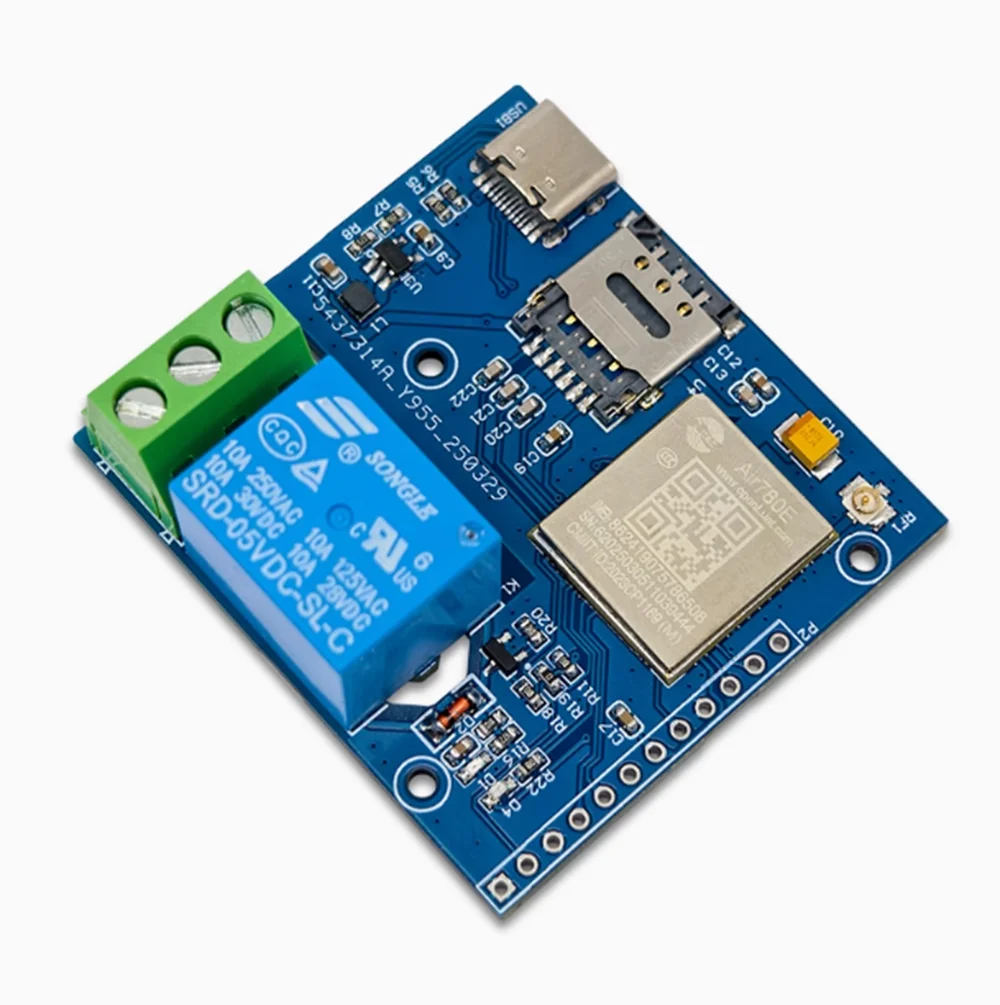
Details & Craftsmanship
Every detail has been carefully considered to bring you the perfect product.
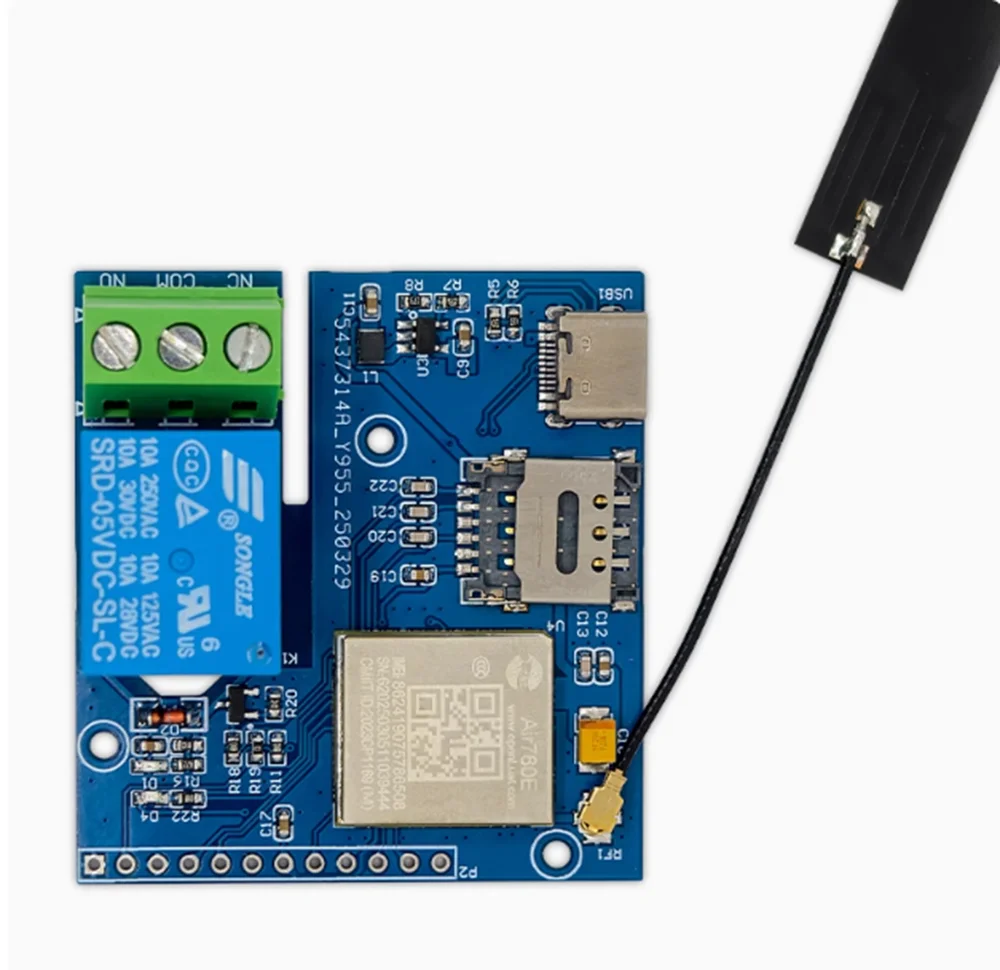
Details & Craftsmanship
Every detail has been carefully considered to bring you the perfect product.
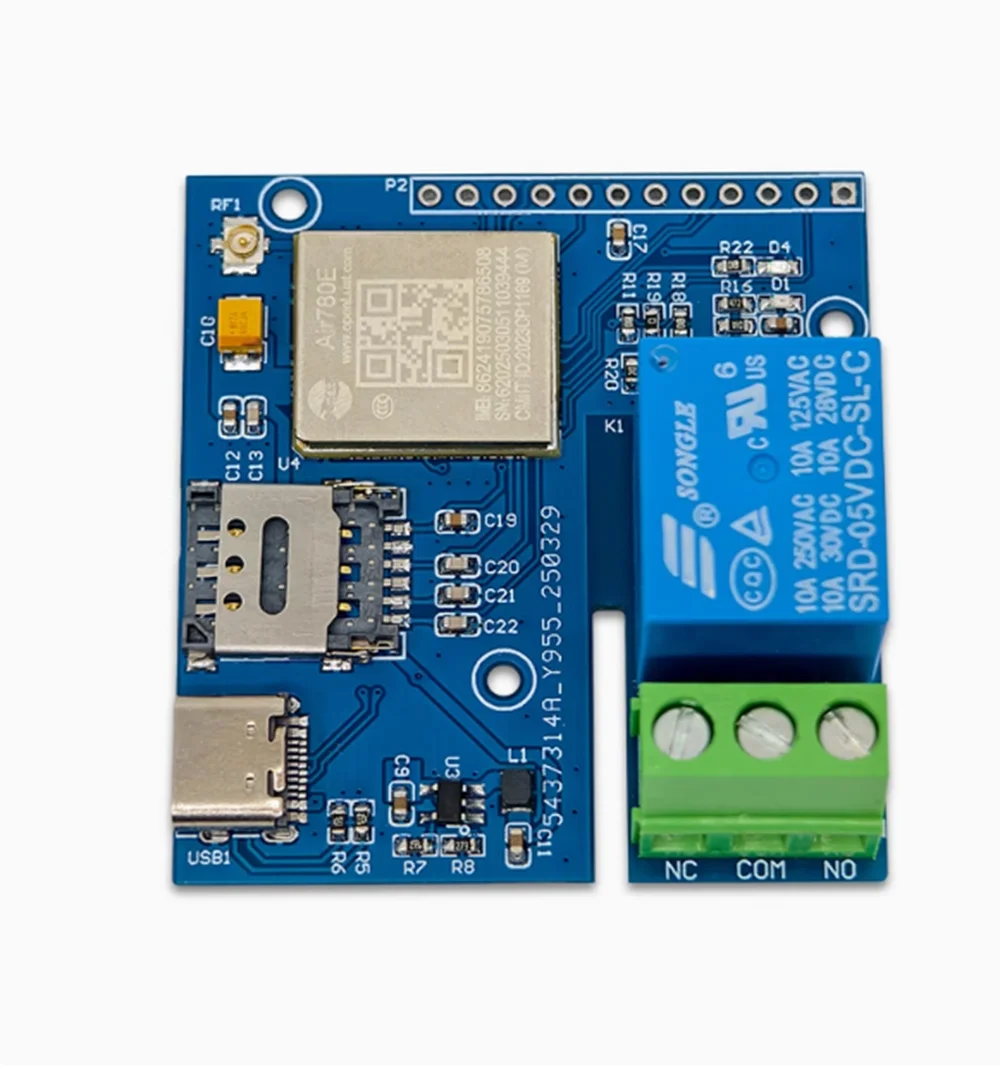
Details & Craftsmanship
Every detail has been carefully considered to bring you the perfect product.
Description
Preparation work: Prepare a Type-C USB cable (USB cable is a data transmission cable, not a charging cable, the difference lies in whether there is DM and DP in the cable. A convenient verification method is to insert the C-port into the phone and check if the computer pops up a large capacity storage device. If it pops up, it proves that the cable is a data cable, otherwise the cable can only charge, that is, only VCC and GND) and a Windows system computer (recommended Windows 10 or above)
LuaTools installation:
1. Download the latest version of Luatools and extract it to create a running program named Luatools v3.exe;
2. Create a new LuaTools folder and copy or move Luatools_v3.exe to the LuaTools folder;
3. Double click Luatatools_v3.exe to start the installation. If the following situation occurs, click on the More Information option, and then select the option to still run to complete the installation;
4. After running Luatools, you will be prompted to start the upgrade. Click on 'Start' to proceed with the upgrade, and once the upgrade is complete, you can use it normally.